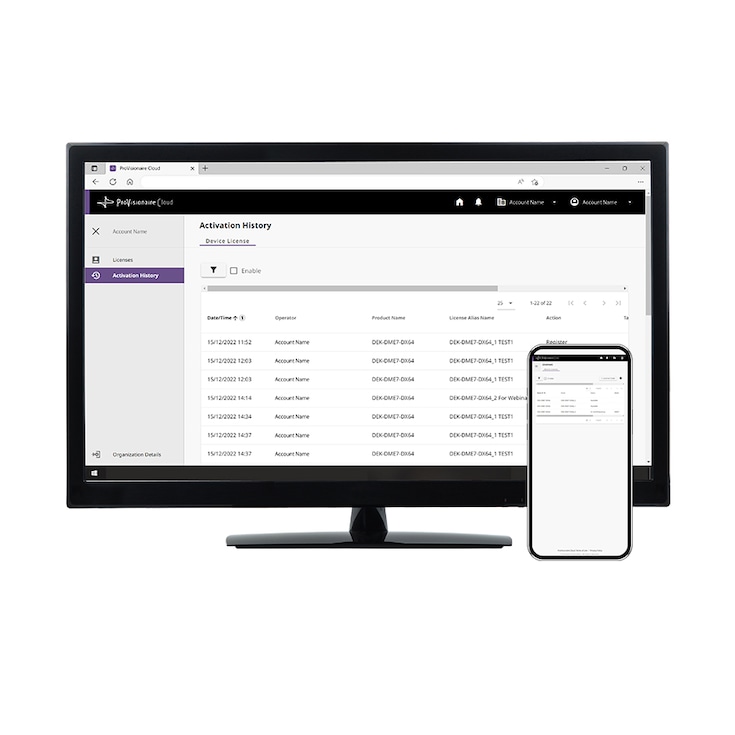
Obchodní produkt
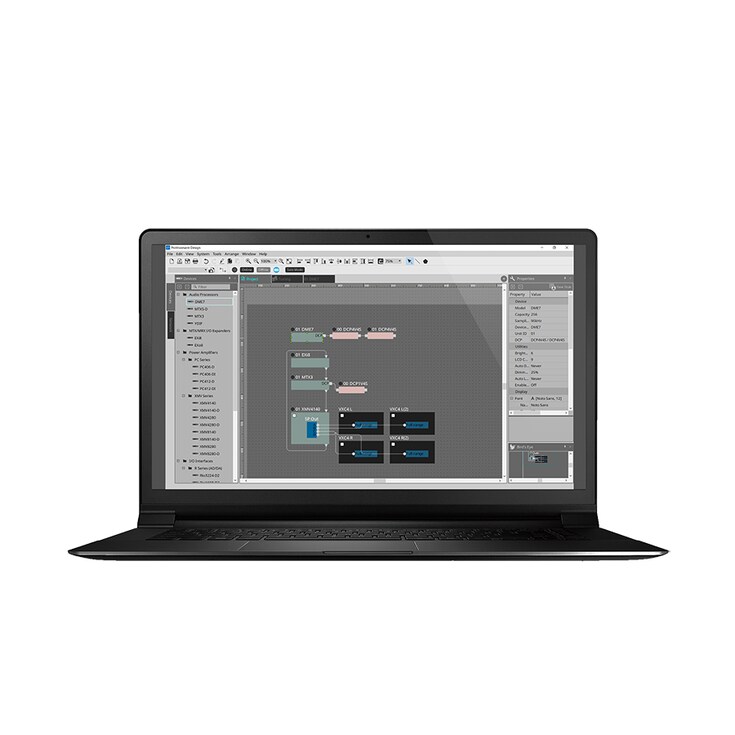
ProVisionaire Design is a Windows application for designing, configuring, controlling, and monitoring Yamaha professional audio systems, whether offline or connected to the system network.


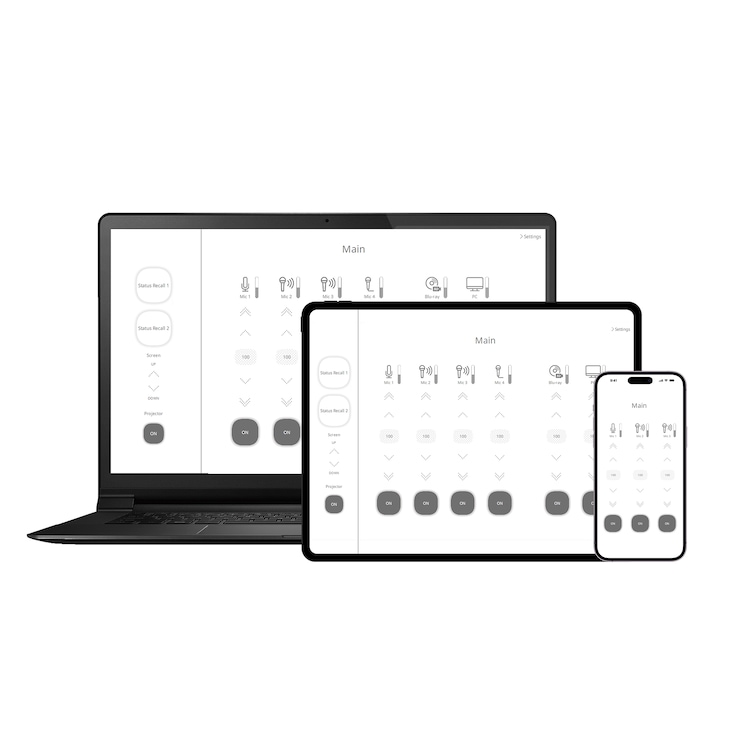
ProVisionaire Control PLUS is a Windows-based software application that enables the creation of custom control panels for intuitive operation.

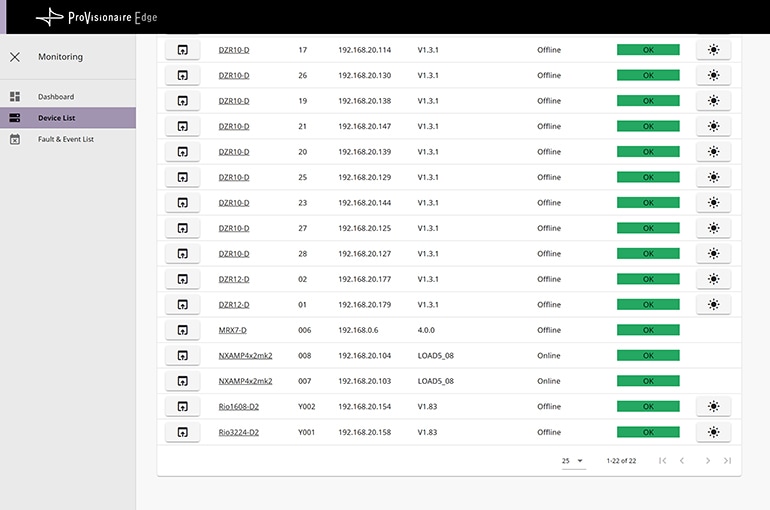
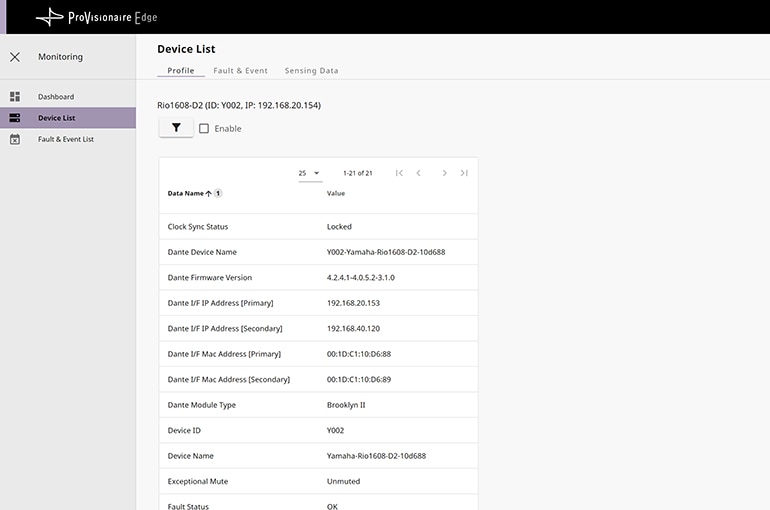
ProVisionaire Control PLUS is Windows applications that provide unified remote control and monitoring of the entire systems. Control panel created by ProVisionaire Control PLUS can be exported to ProVisionaire Kiosk, which support multi platform such as Windows devices and the iPad/iPhone. A broad range of devices are supported, including DME/MRX/MTX processors, RIVAGE PM/DM/CL/QL/TF digital mixers, RUio/Rio/Tio interfaces, XMS/XMV power amplifiers, NEXO NXAMPMK2 powered TD controllers, ADECIA solutions, and more. Custom control panels can be created by assigning necessary parameters to a single display page. ProVisionaire Control PLUS includes the ProVisionaire Edge, making it easy to monitor the status of system devices while alerts and other log data can be recorded to a computer.ProVisionaire Control PLUS is Windows applications that provide unified remote control and monitoring of the entire systems. Control panel created by ProVisionaire Control PLUS can be exported to ProVisionaire Kiosk, which support multi platform such as Windows devices and the iPad/iPhone. A broad range of devices are supported, including DME/MRX/MTX processors, RIVAGE PM/DM/CL/QL/TF digital mixers, RUio/Rio/Tio interfaces, XMS/XMV power amplifiers, NEXO NXAMPMK2 powered TD controllers, ADECIA solutions, and more. Custom control panels can be created by assigning necessary parameters to a single display page. ProVisionaire Control PLUS includes the ProVisionaire Edge, making it easy to monitor the status of system devices while alerts and other log data can be recorded to a computer.

All microphone, mixer, processor, amplifier, speaker, etc. parameters can be managed on a single screen. Parameters can be freely assigned to create custom user interfaces.

Parameters for each device can be assigned by dragging and dropping from ProVisionaire Design or MTX-MRX editor. Design templates can be used in the download page to refine colors and placement as needed, and adjustments can be easily transferred to other projects by export/import functions.

ProVisionaire Kiosk allows the Windows devices or iPad/iPhone to be setup to function as a dedicated controller, preventing users from accessing the operating system or other applications so that unintended control or design changes cannot occur. The use of ProVisionaire Kiosk will provide smooth and safe operation. Controller screen for ProVisionaire Kiosk can be designed using ProVisionaire Control PLUS* Windows software and sent directly via Wi-Fi. The controller design interoperability this provides is advantageous when you need to efficiently create large numbers of controllers
*Controller file created via previous version ProVisionaire Control is compatible with ProVisionaire Control PLUS.

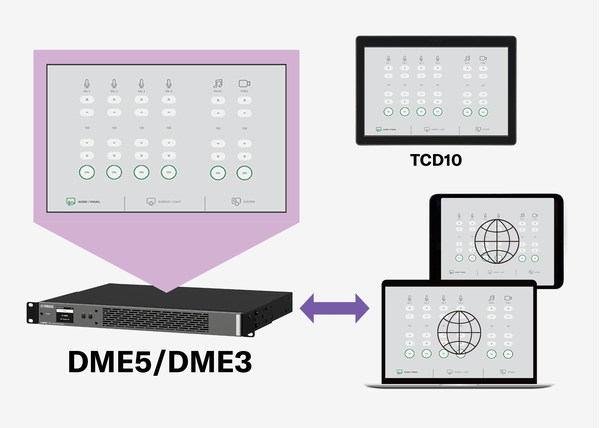
DME5 and DME3 processors carry web servers for the ProVisionaire Kiosk within the units. Controller files created with the ProVisionaire Control PLUS can be transferred to the DME processors, enabling the control of the units by accessing the control panel via a web browser and TCD10 touchscreen control device.
*For details, refer to the "Custom Control Panels" in the Setup Guide and the Reference Manual.
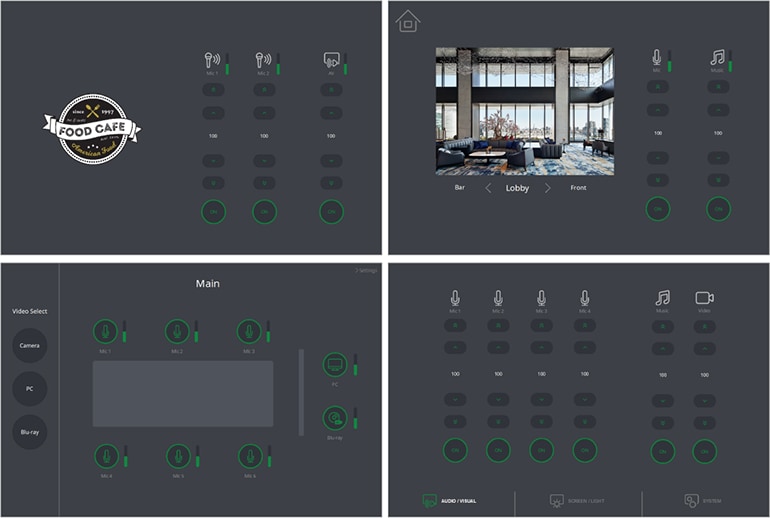
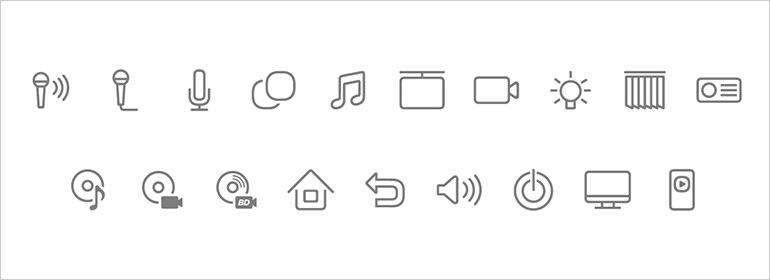
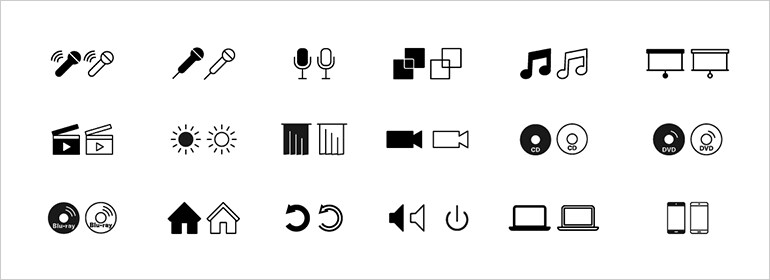
You can find good-looking various templates in the download page. By simply adjusting the number of mics and any kind of buttons, you can easily create a good-looking controller design for many types of application that will be welcomed by the customers. We also have various types of icons that will be useful for customization.
ProVisionaire Data Library provides system templates that serve as starting points for designing audio systems with ProVisionaire. Each template includes a preconfigured PVD file and a user guide detailing the equipment list, physical diagram, and system configuration. These PVD files can be easily adapted to match specific system requirements, helping streamline the initial design process and accelerate system configuration.
Design Basic

Design Light

Design Dark
Icons A
Icons B
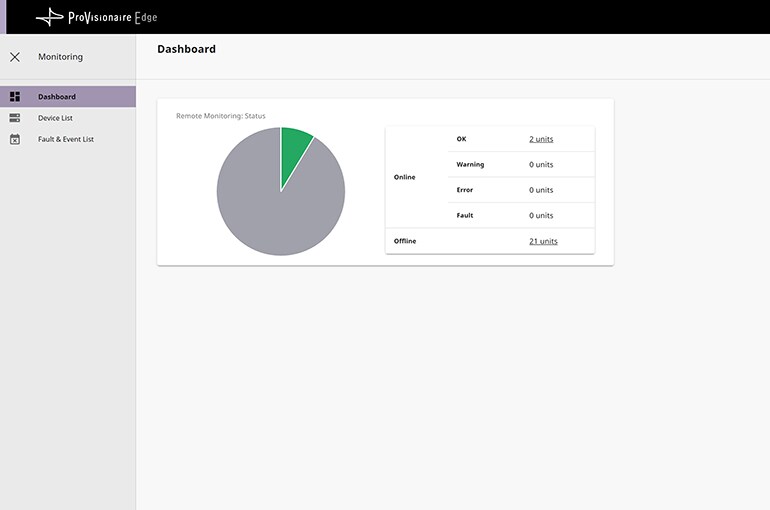
In a theater situation where multiple devices with monitoring capability such as digital mixers, I/O racks, and power amplifiers are distributed throughout the area, a single operator can monitor and manage the entire system from one computer. Not only can faults that aren’t visible from the device’s exterior be easily and quickly detected, but the log makes it easy to identify precisely where problems originate from. ProVisionaire Edge is an excellent tool for keeping track of device connection status as well as preventing, detecting, and solving problems. The addition of improved audio system monitoring capability will notable increase system convenience and reliability.
| Product | Model* | ProVisionaire Control PLUS / ProVisionaire Kiosk | ProVisionaire Edge |
|---|---|---|---|
| NEXO Immersive Audio Processor | DME10 | ||
| Signal Processor | DME7 | ||
| DME5, DME3 | |||
| MRX7-D | |||
| MTX5-D, MTX3 | |||
| Remote Conference Processor | RM-CR | ||
| Digital Mixer | RIVAGE PM Control Surfaces (CS-R10,CS-R10-S,CS-R5,CS-R3) | ||
| RIVAGE PM DSP Engines (DSP-RX-EX, DSP-RX, DSP-R10, CSD-R7) | |||
| DM7, DM7 Compact | |||
| DM7 Control | |||
| DM5, DM5 Compact | |||
| DM3, DM3 Standard | |||
| CL5, CL3, CL1 | |||
| QL5, QL1 | |||
| TF5, TF3, TF1, TF-RACK | |||
| Power Amplifier | NXAMP4x4MK2, NXAMP4x2MK2, NXAMP4×1MK2 equipped with NXRM104 or NXAE103 | ||
| PC412-D, PC412-DI, PC406-D, PC406-DI | |||
| XMS24s8-D, XMS12s8-D, XMS12s4-D, XMS06s4-D, XMS24s8, XMS12s8, XMS12s4, XMS06s4 | |||
| XMV8280, XMV8280-D, XMV8140, XMV8140-D, XMV4280, XMV4280-D, XMV4140, XMV4140-D | |||
| I/O | RUio1608SB-D, RUio0804-D, RUio16FLX-D | ||
| Rio3224-D3, Rio1608-D3 | |||
| Rio3224-D2, Rio1608-D2 | |||
| Rio3224-D, Rio1608-D, Ri8-D, Ro8-D | |||
| Tio1608-D2, Tio1608-D | |||
| EXi8, EXo8 | |||
| Speaker | DZR315-D, DZR315-DW, DZR15-D, DZR15-DW, DZR12-D, DZR12-DW, DZR10-D, DZR10-DW | ||
| DXS18XLF-D, DXS18XLF-DW, DXS15XLF-D, DXS15XLF-DW | |||
| VXL1-16P | |||
| VXC2P | |||
| Immersive Solutions | Sound xR Enhance (AFC Enhance) | ||
| Microphone | RM-CG, RM-TT, RM-WAP-8, RM-WAP-16 | ||
| MusicCast device | Wireless Streaming Amplifier /PreAmp: WXA-50, WXC-50 | ||
| Multi-Room Streaming Amplifier: XDA-QS5400 | |||
| AV receiver: MusicCast compatible AV receiver | |||
| IDK Video Switcher | MSD-402, MSD-501, MSD-502, MSD-701, MSD-702, MSD-6203 (-DAN), MSD-6204 (-DAN), MSD-6206 (-DAN), MSD-6208 (-DAN), MSD-701UHD, MSD-S51, MSD-S52, MSD-S71, MSD-S72 | ||
| MSD-V41U, MSD-V41UC, MSD-V41UT, MSD-V42U, MSD-V42UC, MSD-V42UT, MSD-V61UC, MSD-V61UF, MSD-V61UT, MSD-V62UC, MSD-V62UF, MSD-V62UT | |||
| FDX-S08U, FDX-S16U, FDX-S32U, FDX-S64U |
*There are models that are not available in some regions.
* Specifikace se mohou změnit bez předchozího upozornění. Zobrazené barvy a povrchové úpravy se mohou lišit od barev a povrchových úprav skutečných produktů.